

Use Klaviyo to send messages based on order edits. To let customers add products from an email, use a Revize Add to order link in any supported order-based email that can include the Shopify order ID.
Choose an email provider and workflow
Send the right message for the order
For a message that responds to an edit, choose a Revize trigger such as Shipping address updated. For a product offer, use an order-based email that is sent inside the editing window. Make sure the link goes to the right order and shows the product and price you intend.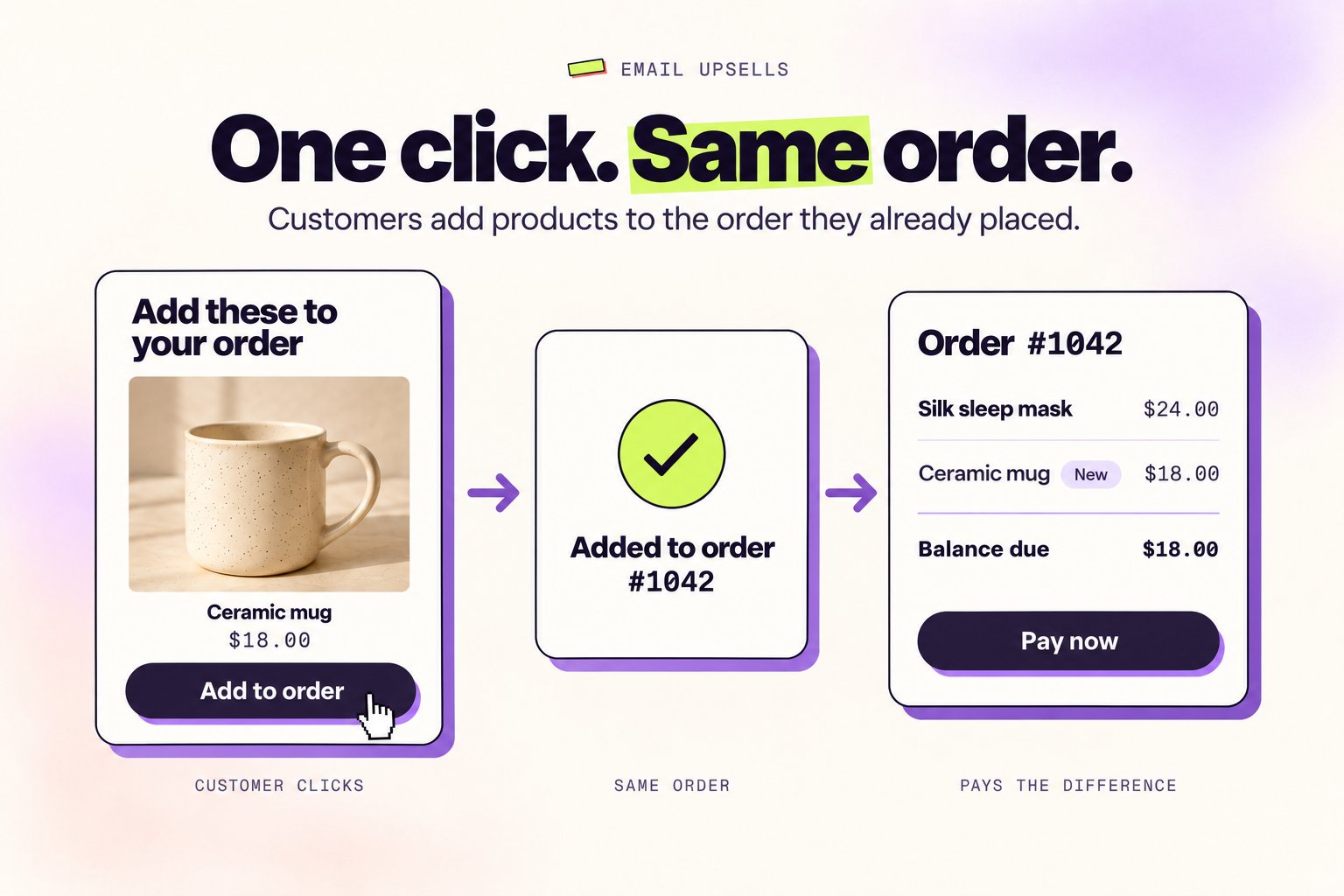
Frequently asked questions
Do I need a paid email app for an Add to order link?
Do I need a paid email app for an Add to order link?
You can use Shopify’s order confirmation template or an email provider that can insert the order ID. Email upsells are included in Revize Pro. Check your provider’s sending limits or charges if you use a marketing automation.