

Connect it yourself or let us set it up. Built-in integrations connect from the Integrations page in Revize. For any other tool, tell us what you use and our team handles the rest.
Built-in integrations
Open Integrations in the Revize app to connect the apps below. Click an app to open its page, enter your credentials, and save. Each page has a switch to turn the integration on or off at any time. Integrations are available on the Pro plan.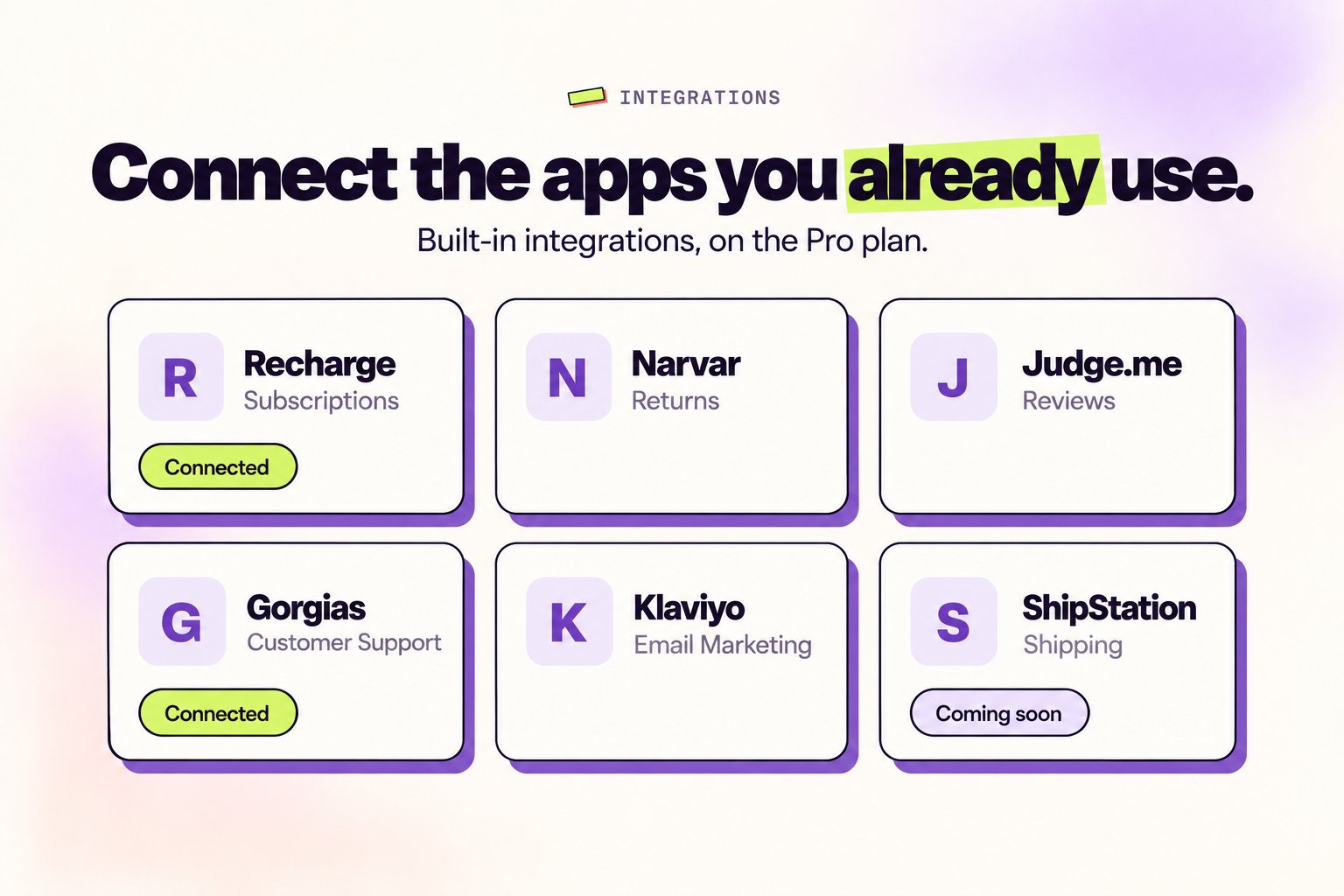
How it works
Revize creates an editing window by controlling when your orders sync to external systems. The magic is in the timing.1
Order placed
Customer completes checkout. Order is created.
2
Order held for editing
Revize puts the order on hold. Your fulfillment apps see the hold and wait, giving customers time to make changes. If your system doesn’t respect holds, we use manual payment capture instead.
3
Customer edits (or doesn't)
During the edit window (e.g., 30 minutes), customers can update their order. All changes sync in real-time.
4
Edit window closes
Revize lifts the hold and captures payment (or Shopify Flow can trigger capture). We can also add a
revize:order_released tag or any custom tag your system expects.5
External systems download
Your fulfillment app, ERP, or warehouse management system pulls the final, edited order with all changes included.
Why this matters: Your warehouse never sees an outdated order. No manual corrections, no fulfillment errors, no “sorry, it already shipped” emails.
Integration methods
Revize uses different approaches to prevent external systems from downloading orders too early:- Hold Orders
- Manual Capture
- Tag-Based Release
- Tag-Based Stop
Works with most systemsOrders are put on hold during the edit window. When editing closes, the hold is lifted and your systems pick up the order.
- Simple and reliable
- Works with any system that respects order holds
- No additional configuration needed
This is the default and recommended approach.
Fulfillment & logistics
Connect Revize with your shipping and fulfillment tools. Orders sync only after the edit window closes, so your warehouse always gets the final version.ShipStation
Popular shipping software
ShipBob
3PL fulfillment
Deliverr
Fast fulfillment network
ShipHero
Warehouse management
Flexport
Global logistics
Easyship
Multi-carrier shipping
Every fulfillment system works differently. We’ll figure out the right approach for yours during setup.
Marketing & email platforms
Turn post-purchase emails into revenue. Customers can add products directly from your emails. No re-checkout required.Klaviyo
The gold standard for e-commerce email. Add “Add to Order” links in your post-purchase flows.
Omnisend
Marketing automation with SMS and email. Same one-click upsell capability.
Mailchimp
Classic email marketing. Custom links work with any email builder.
Postscript
SMS marketing for Shopify. Text customers with add-to-order links.
How email upsells work
1
Customer places order
Your order confirmation or post-purchase flow goes out while the order can still be edited.
2
Email includes Add to order buttons
The email shows products from a block you copy from Revize, with links that carry the customer’s order ID.
3
Customer clicks Add to order
Revize adds the product to the order they already placed and opens the Shopify order status page.
4
Customer pays the difference
They pay only the new balance on the order status page. No login and no new checkout.
Shopify Flow
Revize adds its own triggers and an action to Shopify Flow, so you can automate what happens after a customer changes their order. In Flow, click Select a trigger and search for Revize.
Action: Refund outstanding balance. Add this Revize action to a workflow to refund the amount a customer overpaid on an order, for example after an edit lowered the total. Revize refunds the way your refund setting is set: Original payment method or Store credit. If nothing is owed, or refunds are set to No refunds, nothing is refunded.
ERP & business systems
Enterprise systems that manage inventory, accounting, and operations. Revize ensures orders sync only when they’re final.NetSuite
Oracle ERP
Brightpearl
Retail operations
Cin7
Inventory management
QuickBooks
Accounting
Xero
Accounting
Skubana
Order management
Integration platforms (iPaaS)
Using a middleware platform to connect your tools? Revize works with all of them.Alloy
E-commerce automation platform
Celigo
Integration platform for NetSuite
Mesa
Shopify-native workflow automation
Using an iPaaS? We configure your workflows to trigger on hold release, payment capture, or the
revize:order_released tag.We make it work
Every tech stack is different. Tell us what you use and we’ll figure out the right configuration. Shopify Flow, custom tags, payment timing, whatever it takes.Our team handles the technical setup. You don’t need to worry about the details.
Ready to integrate?
Book a setup call
Tell us what tools you use and we handle the rest. Most integrations are configured in a single call.
Contact support
Have questions about a specific integration? Our team responds within hours.
You focus on selling. We handle the plumbing. Every integration is set up by our team. Tested, verified, and ready to go.