

Revize goes beyond Shopify’s native capabilities to support order editing for subscriptions and pre-orders—giving your customers flexibility across all purchase types.
Subscription order editing
Shopify has limitations on editing subscription orders natively. Revize extends these capabilities so your subscription customers get the same self-service experience as one-time buyers.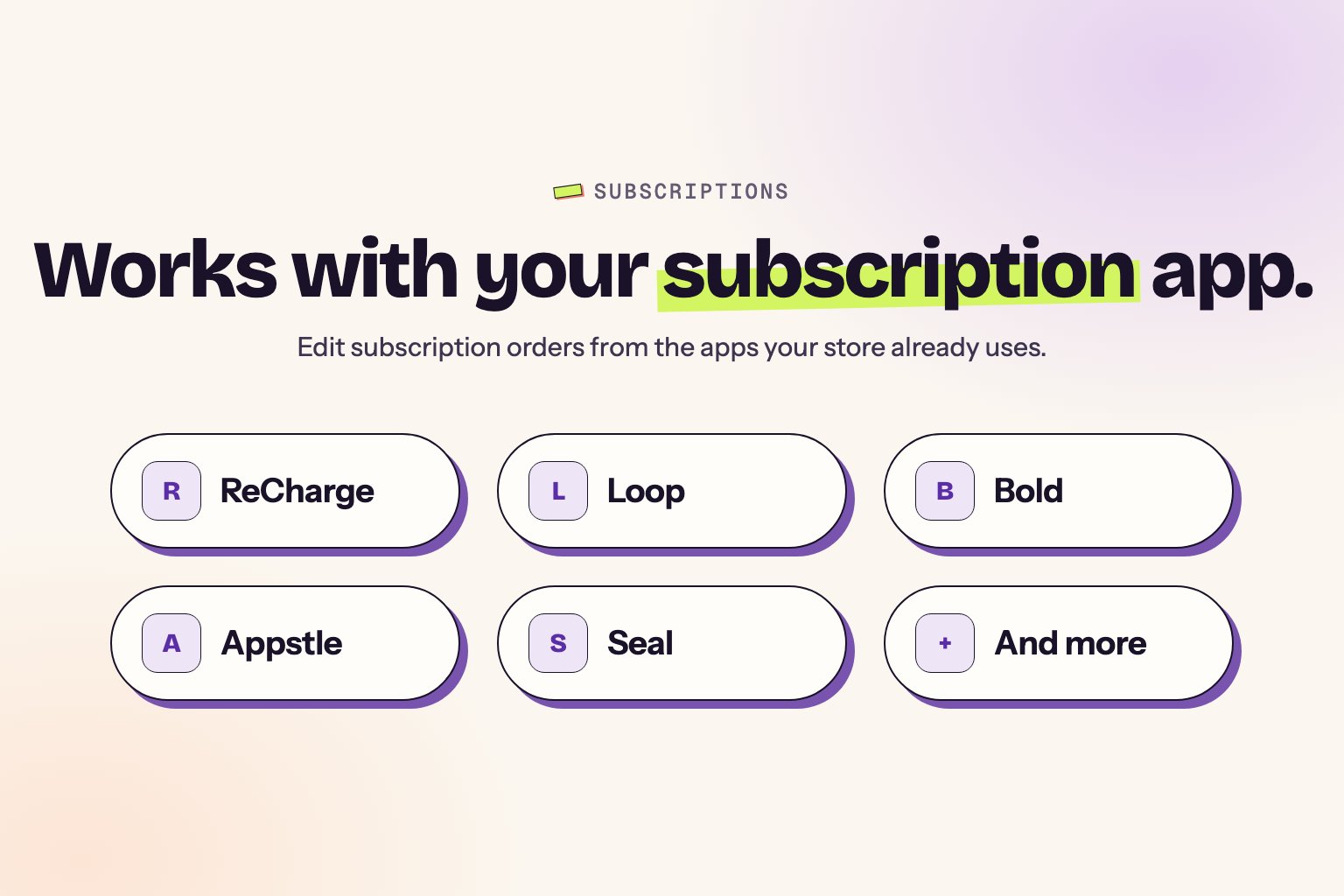
What Revize enables
Subscription customers get the same self-service portal as one-time buyers:- Change variant — swap size, flavor, or any variant for the current order
- Add one-time products — ship extras alongside the recurring order
- Update shipping address — optionally sync to the subscription contract
- Apply discount codes — codes the customer forgot at checkout
- Cancel current order — without cancelling the whole subscription
- Request tax invoice — generate and download
- Submit support tickets — direct from the portal
- Set preferred delivery date — for the current fulfillment
How it works
- Variant changes persist for that order only — If a customer swaps from “Medium” to “Large”, it applies to the current order. Future subscription orders follow the subscription contract.
- One-time products ship together — Added items are fulfilled with the subscription order, not separately.
- Edits stay in Shopify — Changes sync to Shopify but don’t modify the subscription app’s contract.
For changes to future subscription orders (frequency, ongoing variant changes, etc.), customers should use your subscription app’s management portal.
Supported subscription apps
Revize works with any subscription app that creates orders through Shopify:- ReCharge
- Bold Subscriptions
- Appstle
- Loop
- Seal Subscriptions
- PayWhirl
- And others
Pre-order editing
Revize provides complete end-to-end support for pre-order editing—something Shopify doesn’t offer natively.Full pre-order capabilities
- Edit before release — modify pre-orders anytime before the product ships
- Change variants — swap colors, sizes, or configurations before fulfillment
- Add products — include additional items to ship with the pre-order
- Update details — change shipping address, contact info, or delivery preferences
Compatible pre-order apps
Revize works seamlessly with all major pre-order apps, including:- PreProduct next‑gen pre‑order
- Preorder, Back In Stock ‑ STOQ
- Notify! Back in Stock|PreOrder
- Preorder | Notify Me Timesact
- And many more
Using a pre-order app? Contact us for smooth integration and setup.
Why this matters
Pre-order customers often wait weeks or months for their items. During that time, circumstances change—they move, want a different color, or need to add something else. Revize lets them handle these changes themselves instead of contacting support.Get started
Subscription and pre-order editing requires configuration for your specific setup.Contact Us
Reach out to enable subscription and pre-order editing for your store
Book a Demo
See how it works with your subscription app
Related pages
- Customer Portal — where customers access editing
- Add Products — add items to any order type
- Edit Window Settings — configure when editing is available