

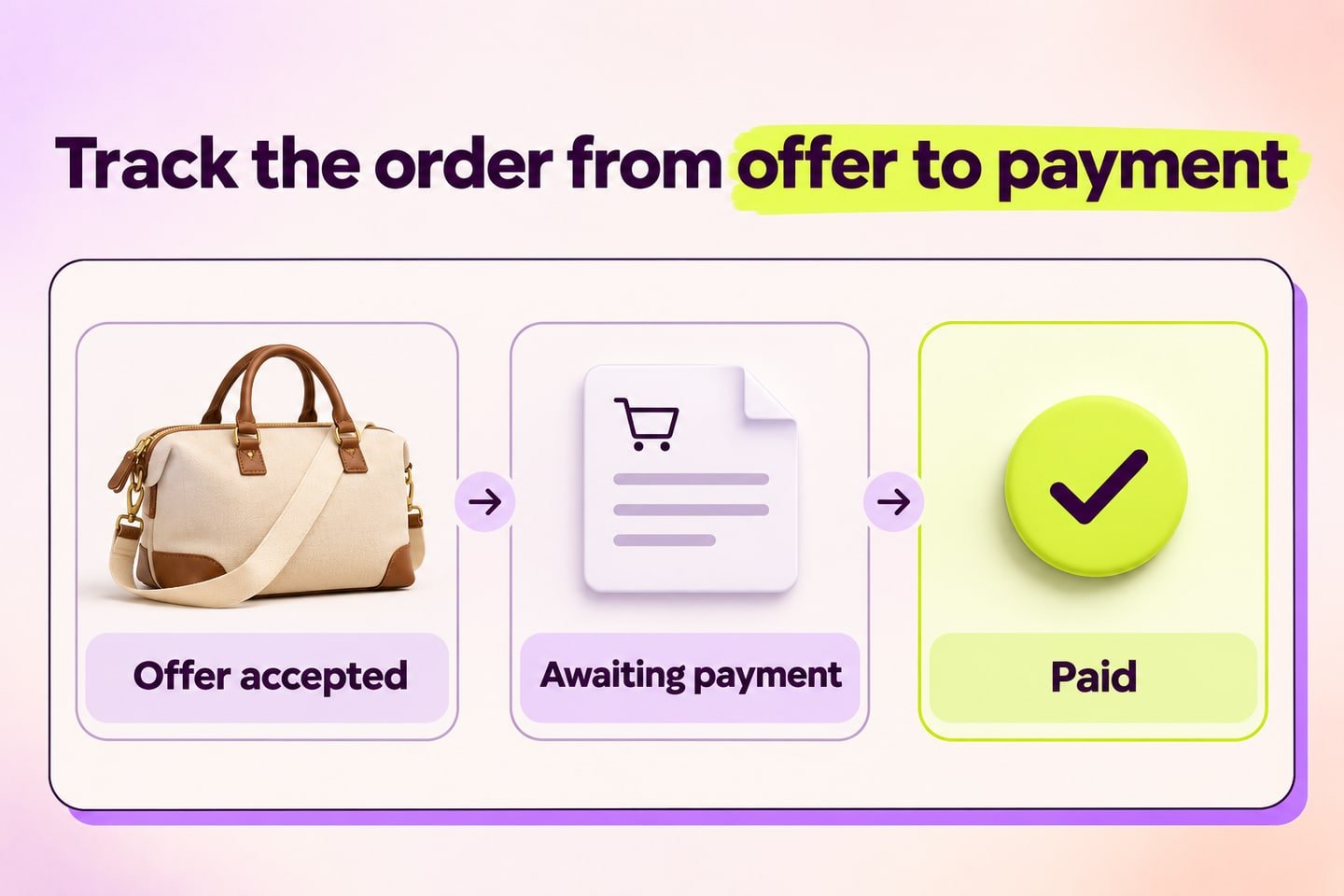
Use Revize to check which offers customers accepted and how much revenue they actually paid. An accepted offer can still be awaiting payment, so use paid revenue when you review results.
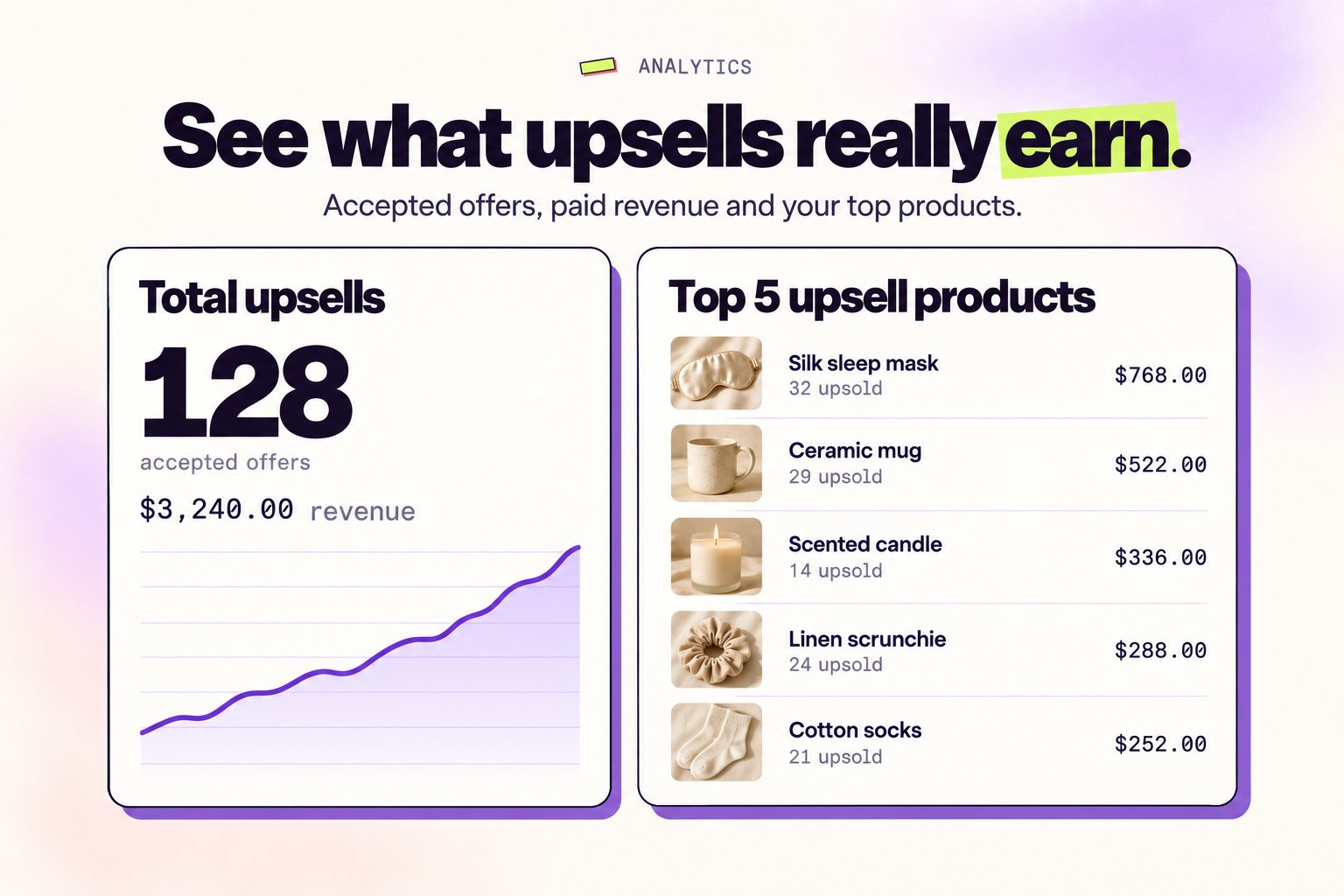
Where to find your results
Use the same date range and placement when comparing offers. Email clicks and on-page impressions measure different actions. Compare those rates within each placement.
Compare checkout, order pages, and email
Suppose your Thank you page shows 16 accepting orders and $192 paid. That tells you how much customers paid for products added on that page. To see which products earned it, export the same period, filter Where it was added to the Thank you page, and sum Paid amount for one currency. An order can contain several exported product rows, so count distinct order numbers when checking the number of orders. Use the placement report with a sample screenshot to find the same columns in Revize. If Paid shows a dash, check currency and tracking availability before interpreting the result.Check why paid revenue differs from accepted offers
1
Open the order from the offer activity
Check whether the item was added and whether Shopify shows the additional balance as paid, partly paid, or still awaiting payment.
2
Check what the totals include
Total added revenue in Analytics also covers other revenue-producing edits, such as shipping upgrades and products customers add themselves. Use the upsell views for purchases from a Revize offer.
3
Review comparable periods
Use the same date range, look at how many customers saw the offer, and allow time for late payments. Track average order value (AOV) and conversion alongside paid upsell revenue.
Frequently asked questions
Does an unpaid upsell count as revenue?
Does an unpaid upsell count as revenue?
Paid upsell revenue reflects money paid. Check the activity or awaiting payment list when the item has been added but Shopify still shows a balance.
Are email upsells included in Revize analytics?
Are email upsells included in Revize analytics?
Paid revenue from email upsells contributes to the upsell revenue in Analytics. Use Email upsells for the email-specific clicks, orders, and revenue.
Related guides
- Shopify upsell playbook: choose a placement and decide what to measure
- Order editing analytics: track paid edits, refunds, and support activity
- Upsell A/B testing: compare two offer versions using paid-order results