

Revize address validation lets you warn shoppers or stop unsupported shipping addresses at Shopify checkout and when customers edit an address after ordering. Use rules for PO boxes, parcel lockers, missing street numbers, and unsupported postcodes.
Before you start
- Address validation is available on Revize Pro. For checks at checkout, you also need Shopify Plus.
- To run the checks when customers change an address after ordering, enable shipping address edits.
- If a valid new address increases tax, choose who pays the difference.
Create an address rule
1
Open Address validation
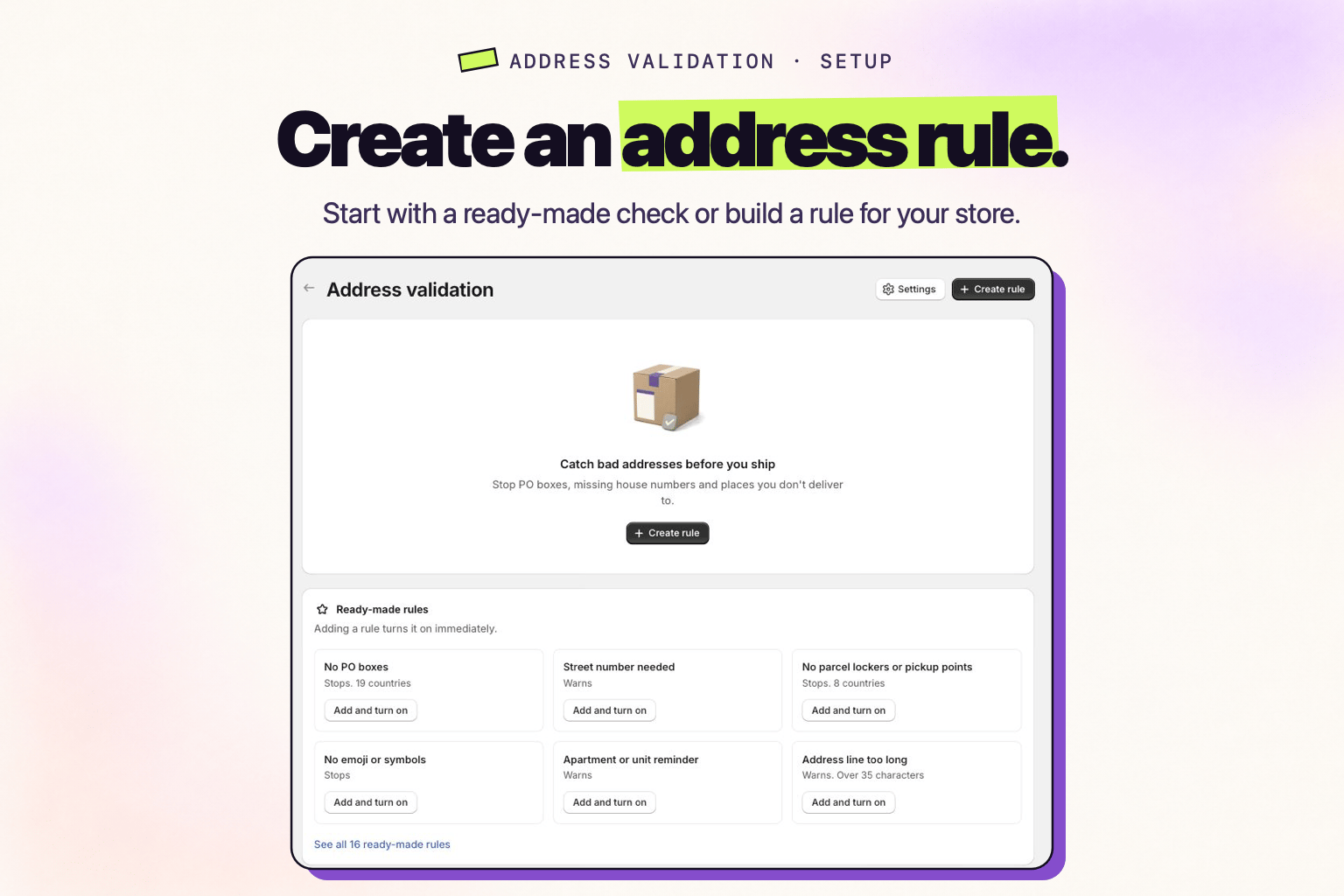
On Home, find Address validation and click Create a rule. On the Address validation page, click Create rule.
2
Choose what to check
Start with a ready-made check such as PO box or Missing street number. Use Conditions to limit the rule to the countries, shipping methods, or orders you want to check. If you add several checks, choose whether any check or all checks must match.
3
Choose what the customer sees
Under Message, select Stop to require the customer to correct the address before continuing, or Warn to show a message and let them continue. Use the ready-made message or write your own. Tell customers which detail to change and what to enter instead.
4
Choose where the rule runs
Under Where it runs, choose Checkout, After ordering, or both. Use Preview to try a matching address and a valid address. Save the rule and check that it is on.
Adding some ready-made rules turns them on immediately. To review a rule before it runs, pause Run address rules in Address validation → Settings while you set it up.
Finish checkout setup
- For Stop rules, go to Address validation → Settings, check Stop orders at checkout, and follow the permission prompt. Shopify applies the stop check when the customer tries to pay.
- For Warn rules, open the Shopify checkout editor and add the Revize Address notice app block to Checkout. Save the configuration. The block displays warnings while the customer can still make changes.
Example: Block PO boxes for selected destinations
Choose PO box and scope the rule to the countries where your carrier requires a street address. Select Stop and use a message such as “Enter a street address for delivery. We can’t ship this order to a PO box.” Test a PO box and a street address in an included country, then repeat in a country outside the rule. If you use Phone number missing to stop orders at checkout, first make sure Shopify shows the shipping address phone field. Customers need that field to correct the issue.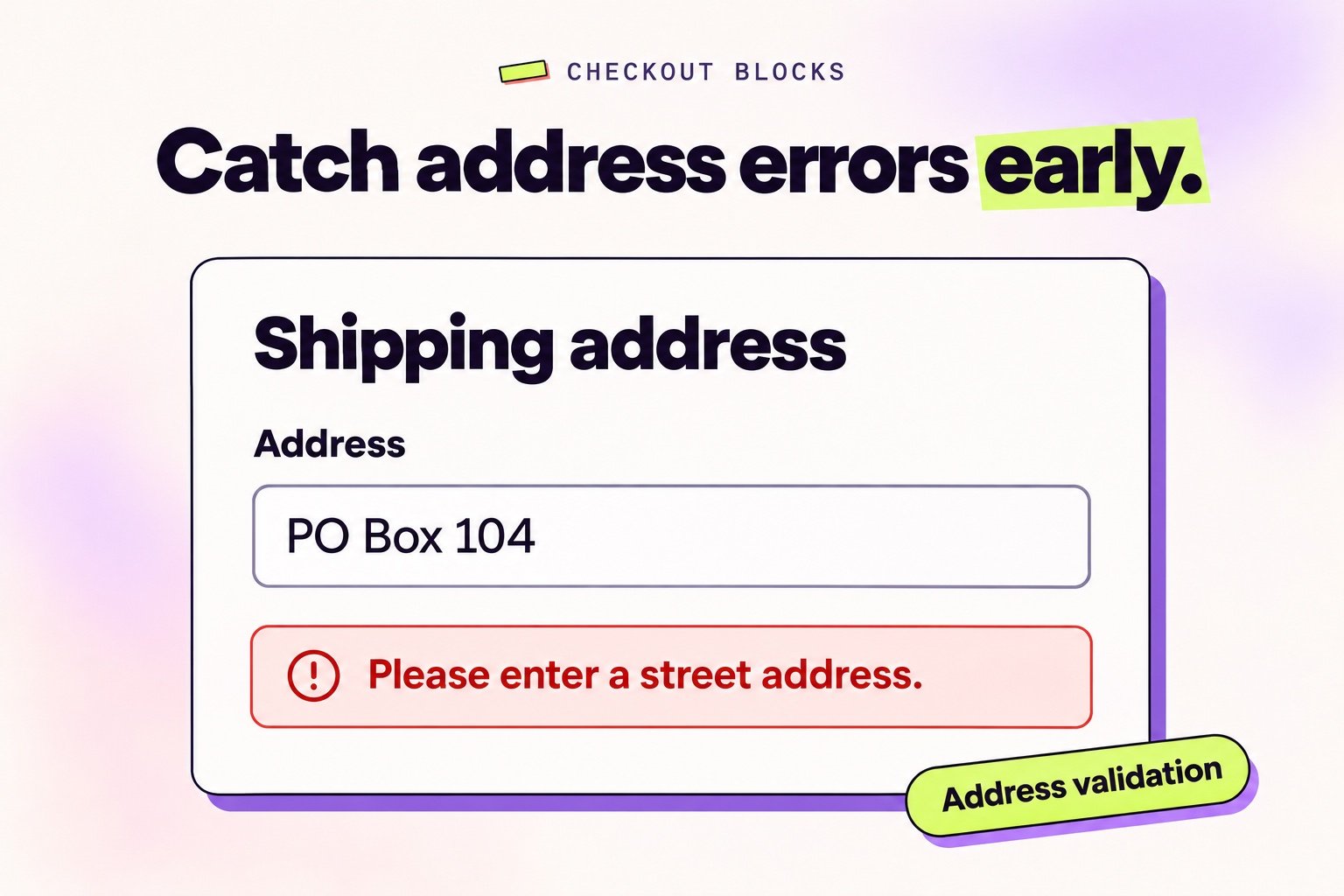
Test and monitor a rule
- In the rule preview, test an address that should match and one that should pass.
- Test checkout with the same inputs. For a stop, verify that correcting the address lets you continue. For a warning, confirm that the message appears and you can still proceed.
- If the rule also runs after ordering, test it on an editable order using Edit shipping address.
- Check Address validation for recorded warnings and blocked address edits. Shopify checkout stops are excluded from those counts.
Frequently asked questions
Do I need Shopify Plus for address validation?
Do I need Shopify Plus for address validation?
Shopify Plus is required for Revize address checks at checkout. On Revize Pro, you can also run rules when a customer changes an eligible Shopify order’s shipping address after placing the order.
What's the difference between Stop and Warn?
What's the difference between Stop and Warn?
Stop requires the customer to fix the address before they continue. Warn displays your message and lets the customer continue. At checkout, each option has its own setup steps.
Does a rule run after checkout?
Does a rule run after checkout?
A rule set to After ordering runs when a customer edits the shipping address through Revize on an eligible order. You can test it from the order page while editing is open.
Can I limit a rule to certain countries?
Can I limit a rule to certain countries?
Yes. Use Conditions to choose the countries where the rule applies. Test a matching address both inside and outside that set before relying on the rule.
Related Revize features
- Shipping address edits: let customers correct shipping details after they order
- Content blocks: add delivery information to checkout and order pages